
Before you start
DeliveryKing receiving software connected to your shop. Changes to the shop require a working connection.
The recorded interface is German. German button labels remain identifiable in all translations. Some labels may differ in your installed version.
Step by step
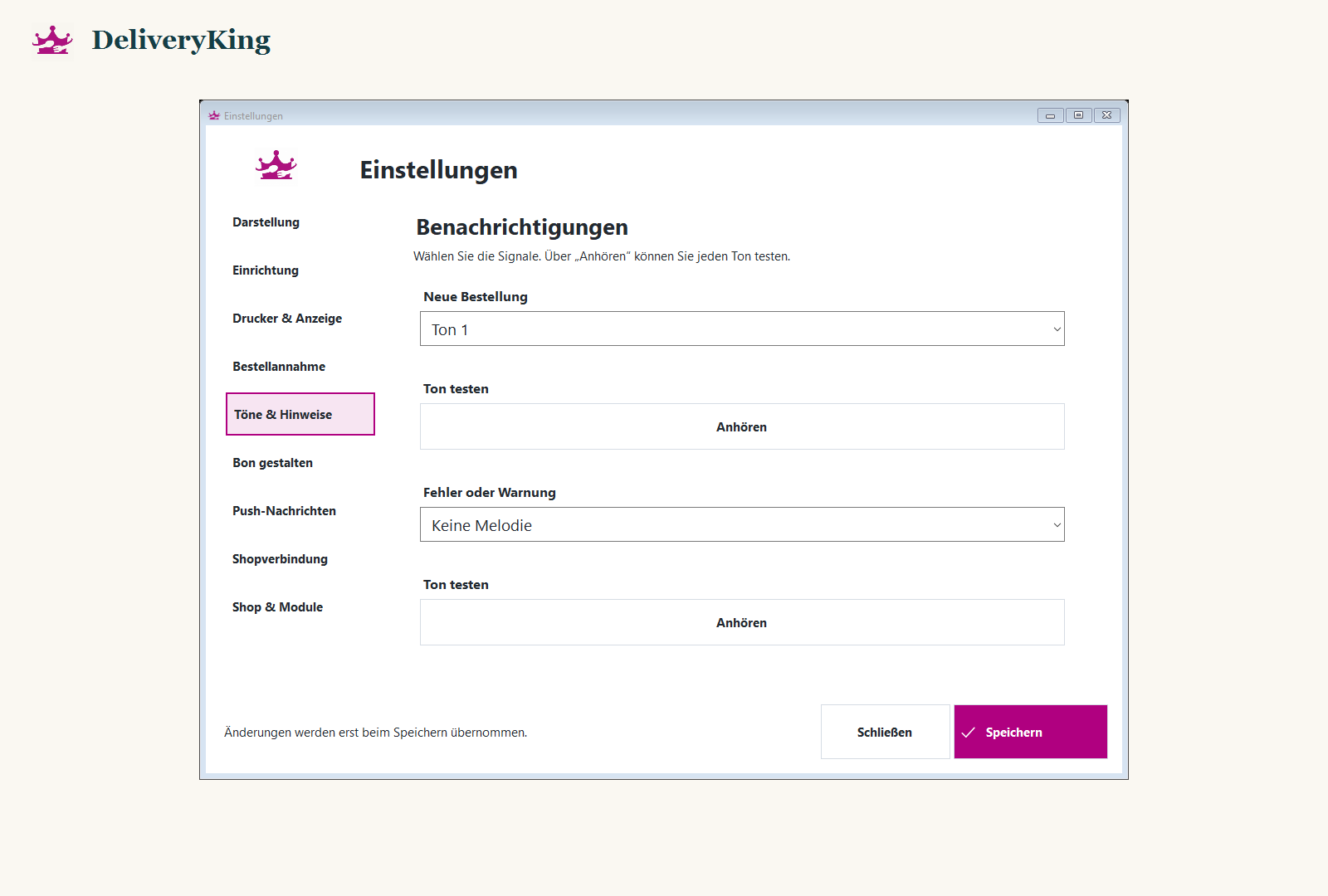
Open “Einstellungen” and the available order and sound settings.
Check active alerts, Windows volume and output device. Do not rely on sound as the only new-order indicator.
Save and test alerts in a safe test environment. Check that reminder sounds stop after processing.
Screen reference
Check the result
Visible order information matters even when the computer is muted.