
Before you start
DeliveryKing receiving software connected to your shop. Changes to the shop require a working connection.
The recorded interface is German. German button labels remain identifiable in all translations. Some labels may differ in your installed version.
Step by step
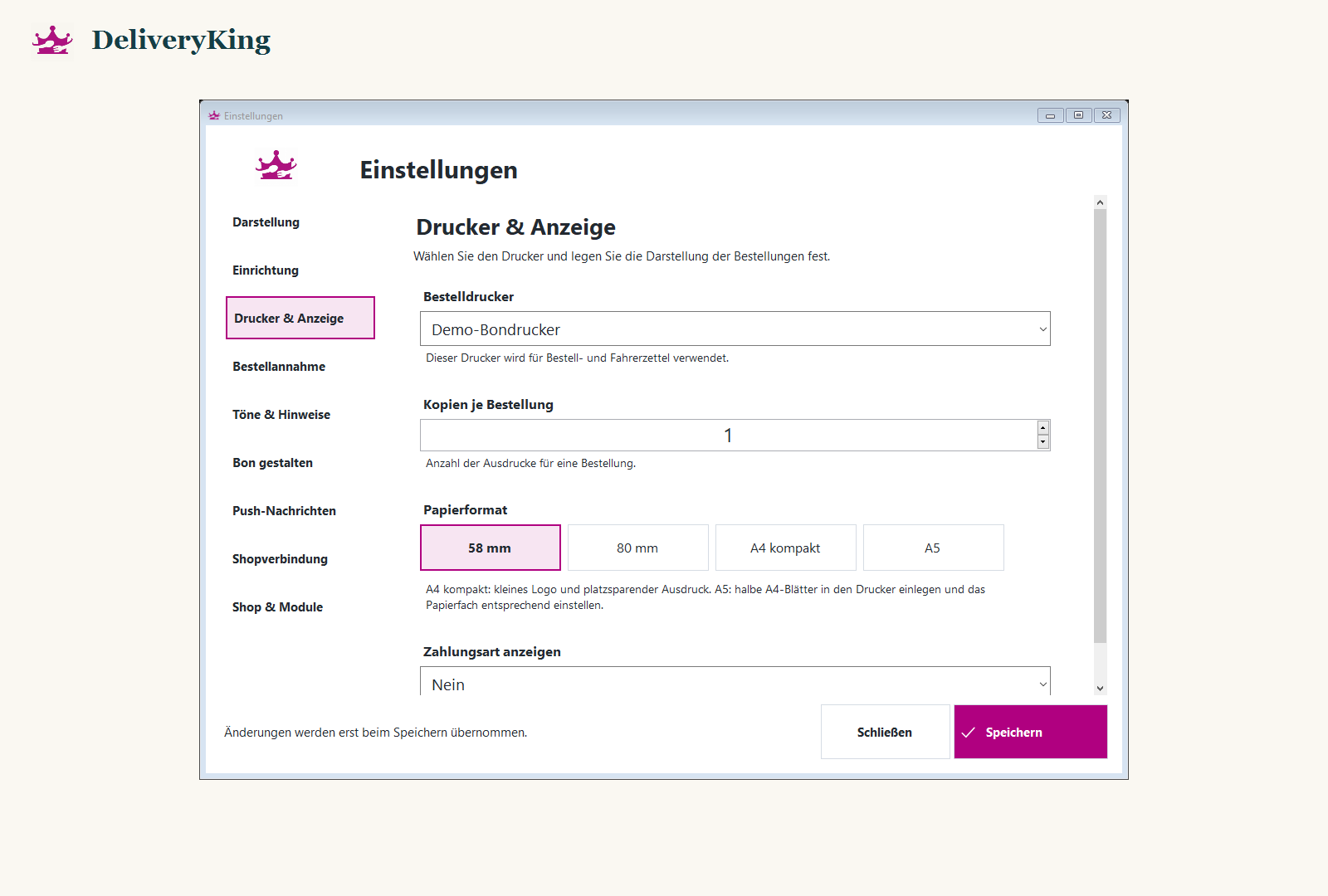
Open “Einstellungen” and the printer section. Check that the intended printer is installed and reachable in Windows.
Select the printer for its intended purpose and save. If a saved printer is unavailable, check its connection instead of choosing an arbitrary replacement.
Reopen settings and check the saved selection. Perform an appropriate test print without creating a real new order.
Screen reference
Check the result
From receiving software 1.12.25, the selection is retained even when a printer is temporarily unavailable.