
Before you start
DeliveryKing receiving software connected to your shop. Changes to the shop require a working connection.
The recorded interface is German. German button labels remain identifiable in all translations. Some labels may differ in your installed version.
Step by step
Open free-gift management in promotions. Check the existing order threshold and period.
Select categories or individual dishes using checkboxes. Review the actual selected gifts and save.
Check a shop basket above the threshold. Guests should be able to choose an allowed gift or explicitly decline it.
Screen reference
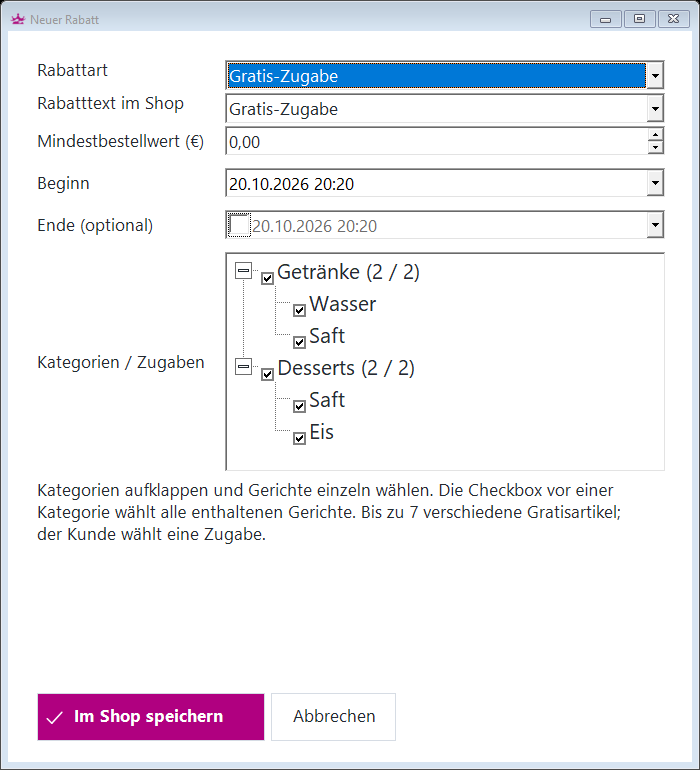
Check the result
Requires receiving software 1.12.24, menu module 1.0.3 and webservice 1.14.29 or later.