
Before you start
DeliveryKing receiving software connected to your shop. Changes to the shop require a working connection.
The recorded interface is German. German button labels remain identifiable in all translations. Some labels may differ in your installed version.
Step by step
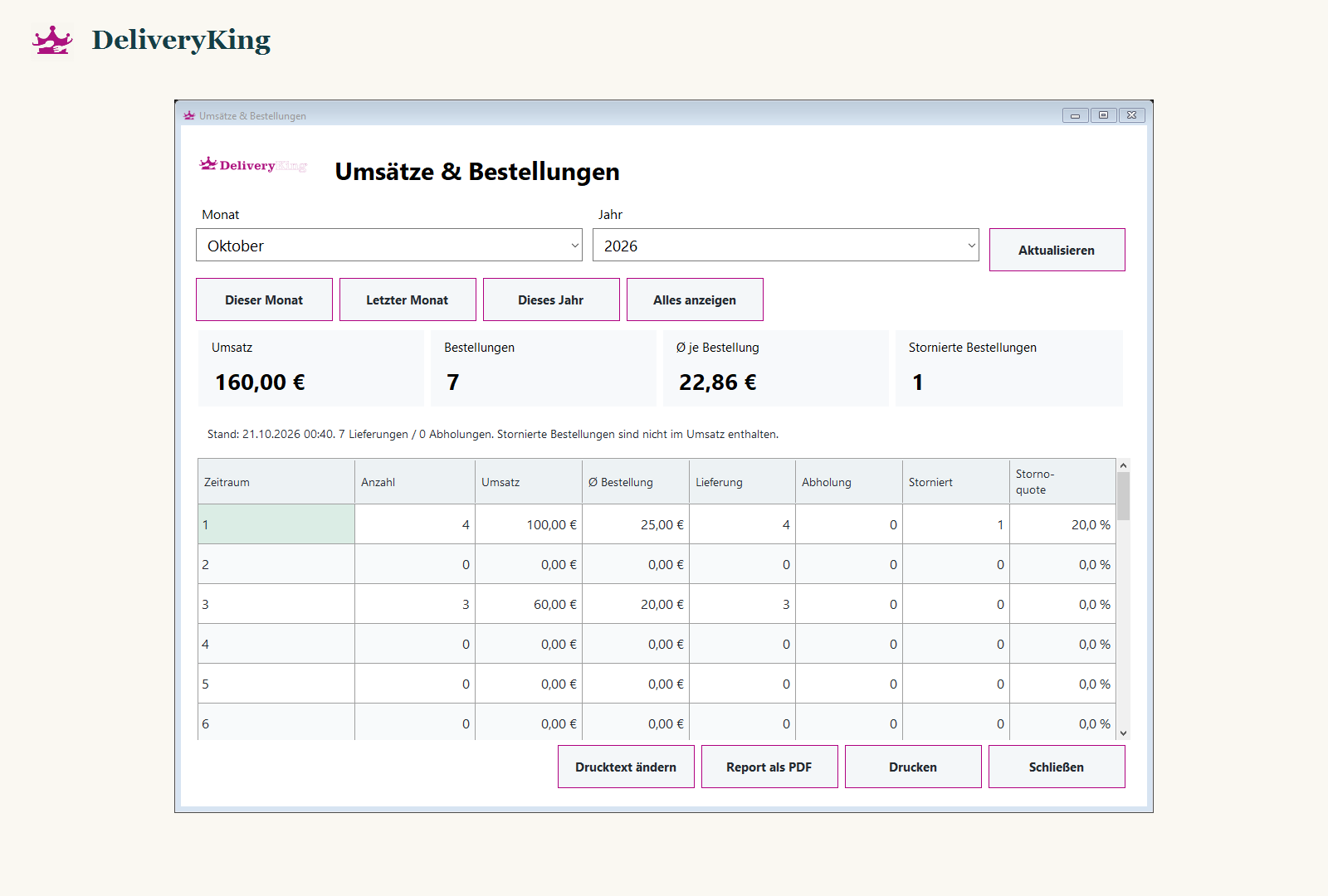
Open “Umsätze & Bestellungen” in reporting.
Select the intended period and available filters. Wait for loading and check which order states are included.
Compare totals only with matching filters. When exporting a report, check period and destination before saving or printing.
Screen reference
Check the result
If the report does not load, note the error and contact support. Before sharing a report, check that it contains no unintended personal data.