
Before you start
DeliveryKing receiving software connected to your shop. Changes to the shop require a working connection.
The recorded interface is German. German button labels remain identifiable in all translations. Some labels may differ in your installed version.
Step by step
Open “Speisekarte” in the receiving software. Search for affected dishes or select a category.
Mark the entries using their checkboxes. Choose a temporary pause with a suitable end or permanent deactivation.
Review the displayed selection and confirm the action. Then check the public menu.
Screen reference
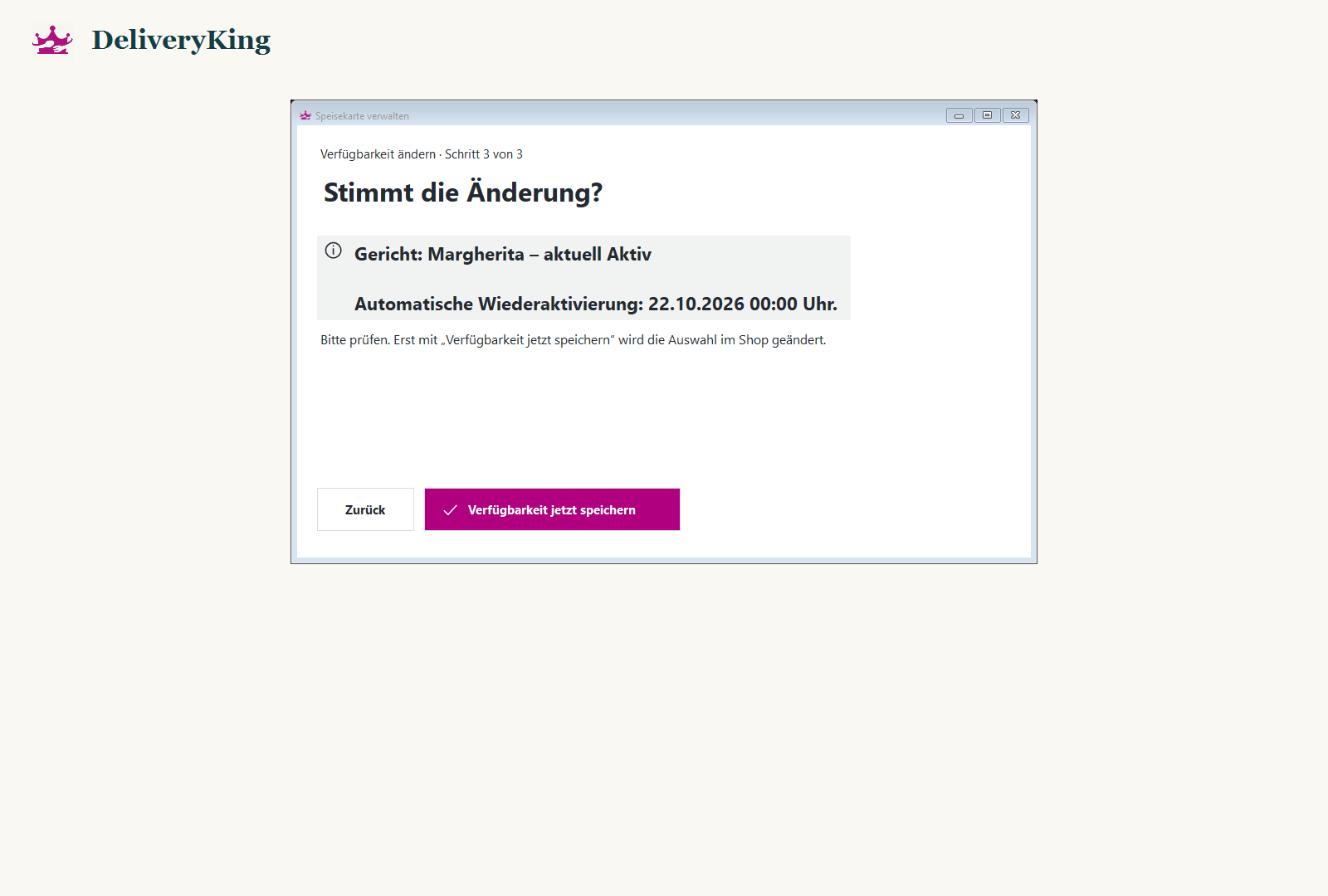
Check the result
An expired pause does not undo a permanent deactivation. Temporary blocks require compatible shop modules.