
Before you start
DeliveryKing receiving software connected to your shop. Changes to the shop require a working connection.
The recorded interface is German. German button labels remain identifiable in all translations. Some labels may differ in your installed version.
Step by step
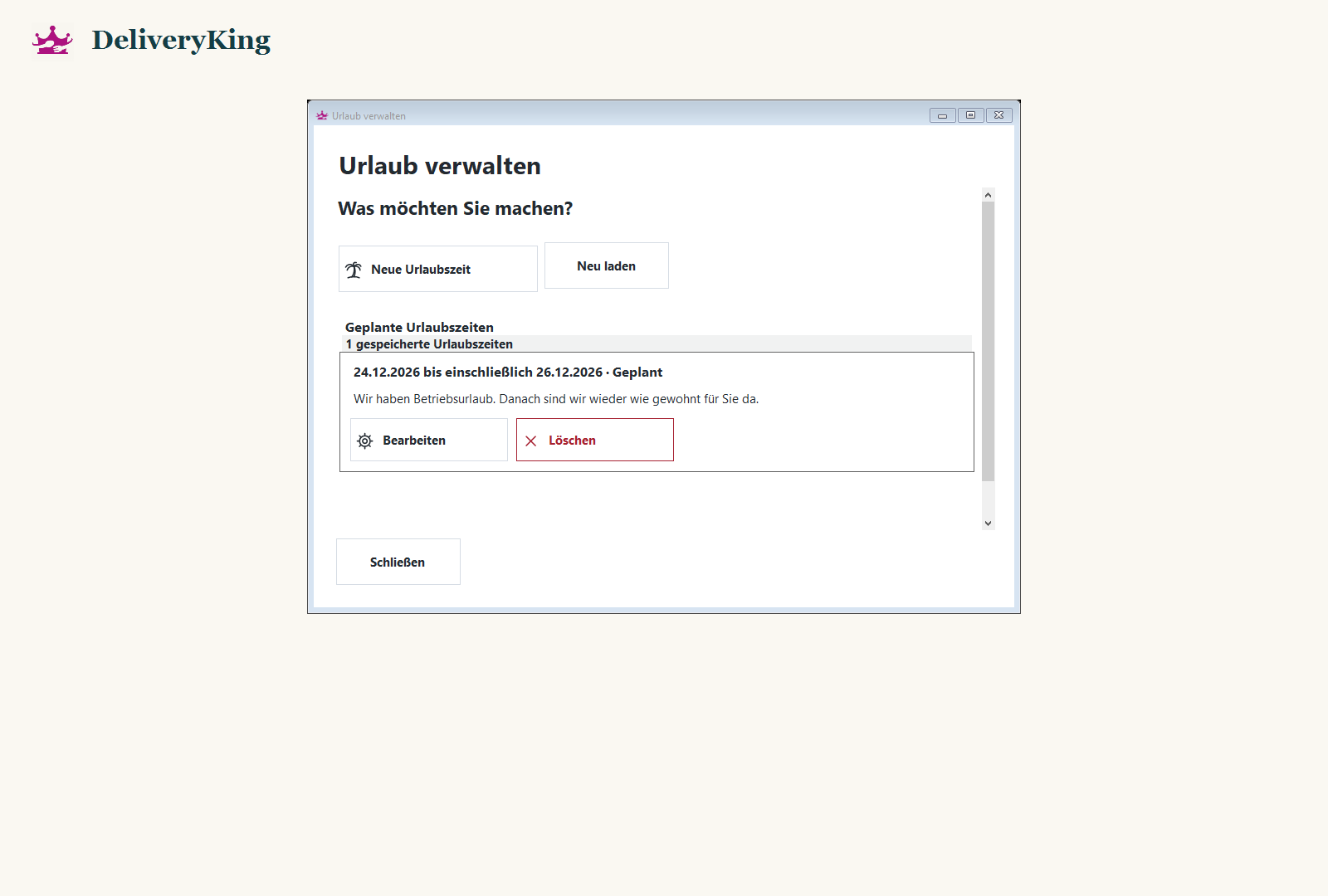
Open “Urlaub” in the receiving software and review existing periods.
Set the period with its start and final holiday date. Check for overlap with existing entries.
Save the period and check it in the overview. Check the shop display when the period is active.
Screen reference
Check the result
The final holiday date is included in the closure. The regular weekly schedule applies afterwards.